Themes & Guide colors
Browse, preview and save themes. Adjust Xbox Guide colors from the client menu.
Xbox 360 client plugin
Customize the Guide, themes and notifications from an in-console menu. Manage plugins and keep your client up to date.
Get Migraine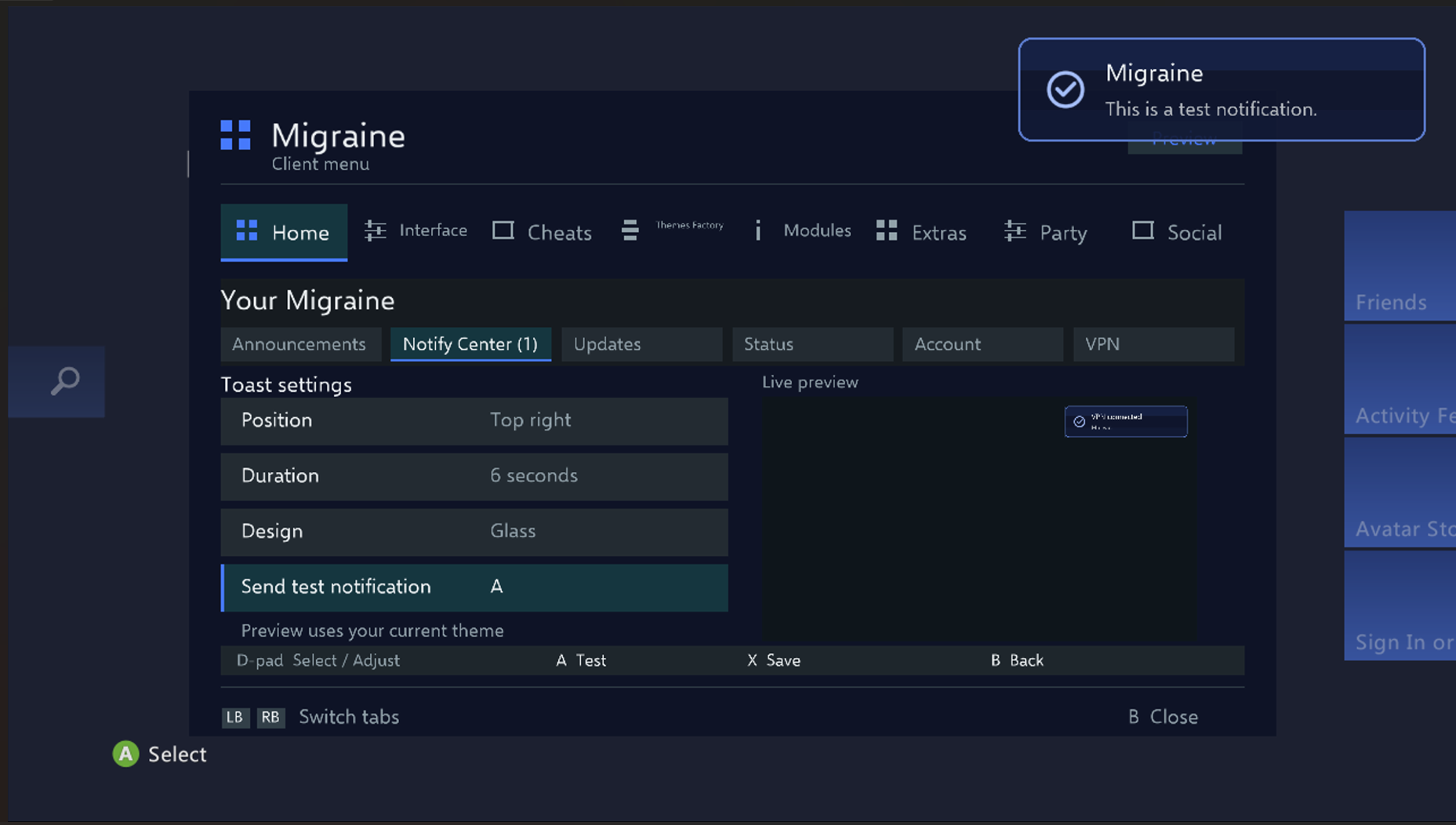
Open the Migraine menu by pressing both thumbsticks.
Browse, preview and save themes. Adjust Xbox Guide colors from the client menu.
Choose where notifications appear, how long they stay visible and how they look. Test your settings in the Notify Center.
Manage compatible Xbox 360 modules and view client announcements from the Migraine menu.
Display the current frame rate while you play.
Get the Public Beta XEX for the Release channel.

Check the Client Panel for public Release availability.
Open Client Panellaunch.ini and your existing Migraine XEX if you have one.Migraine.xex to your drive. Select it in an available DashLaunch plugin slot and save launch.ini.